PDF rules for court filings: size, text, passwords and scans
Courts that take e-filings have technical rules for the PDF itself. Here are the common ones and how to avoid a rejection for a bad file.
By the FastFile teamUpdated Nov 13, 2026 4 min read
General information, not legal advice. Rules differ by court and change over time. For your own case, ask your law firm. Law firms can contact us about FastFile.
Why the PDF matters
A court can reject a filing that is correct in content but wrong in format. A file that is too big, locked or unreadable is a common reason. The rules are set by each court or system, so what follows are the usual themes, not a promise about your court. Read your court's e-filing page for the exact limits.
Text-searchable PDFs
Many courts ask for text-searchable PDFs. That means you can click in the file and select words or use the search function to find a word. A PDF made by saving or exporting from a word processor is usually searchable. A picture of a page, such as a phone photo or a flat scan, may not be.
- Export, do not photograph. Use Save as PDF or Export in your word processor.
- Test it. Open the PDF and try to select a sentence or search for a word.
- For scans, use text recognition. Many scanner programs have an option often called OCR that adds searchable text.
Common technical limits
| Topic | What courts often require | What to check |
|---|---|---|
| File size | A cap on each file, and sometimes on the whole filing | The size limit on the court's page |
| Passwords | No password or encryption on the file | Remove any password before you upload |
| Page size | Standard letter size, with margins | Whether the court names a paper size |
| Format | PDF only, sometimes other types for certain exhibits | Allowed file types |
| One document per file | Each document uploaded separately | Whether to combine or split papers |
| Links and forms | No active forms or embedded media in some systems | Flatten forms if the court says so |
| File name | Plain names without special characters | Naming rules |
Scans and photos
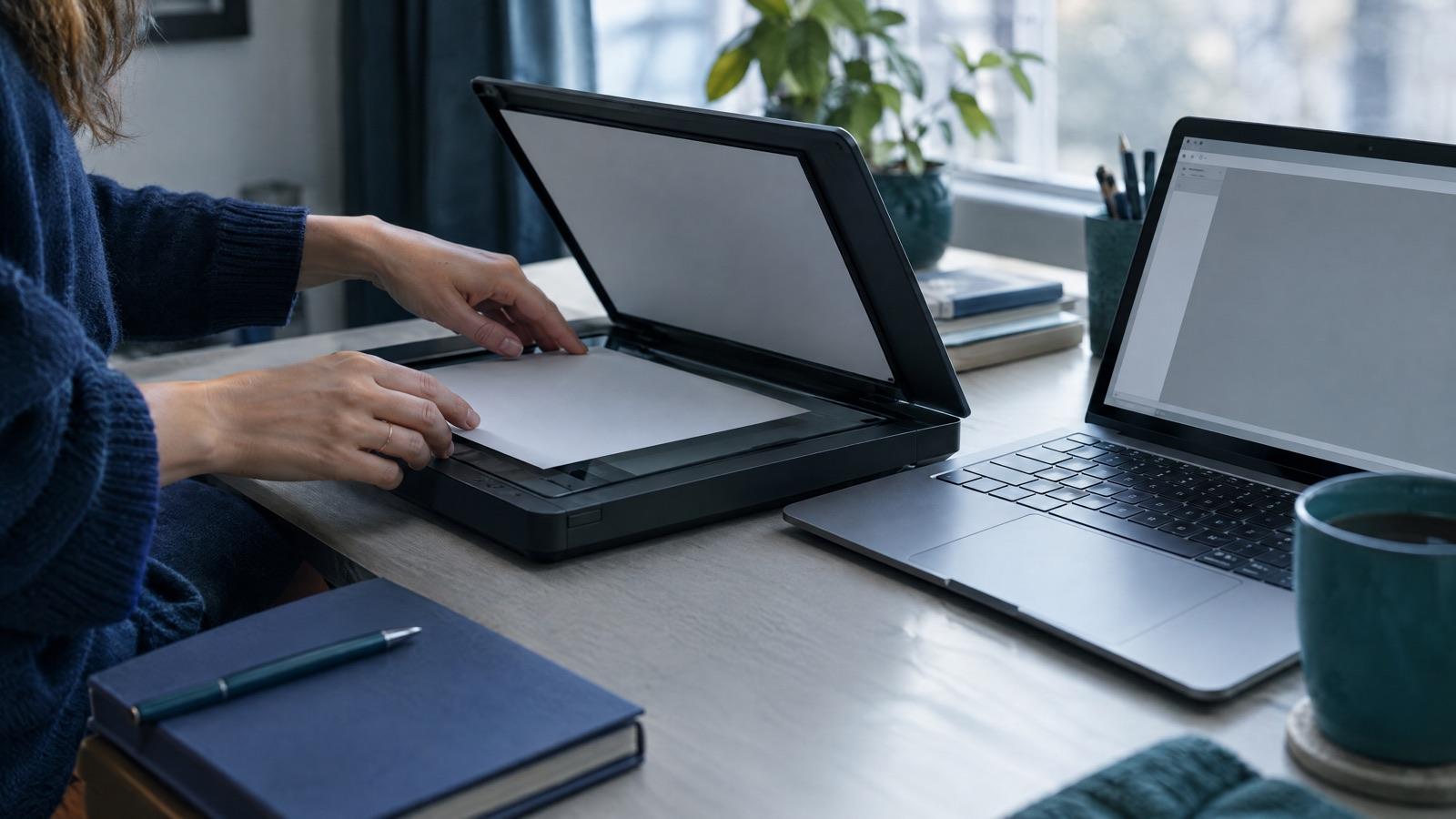
If you must scan a signed paper or an original document, scan at a normal resolution, straighten the pages and check that every page is readable. A very high resolution makes the file large, and a very low one can be unreadable. If the file is too big, try a lower setting or your scanner's compress option, then check that the text is still clear.
Combining and labeling exhibits
Some courts want each exhibit as its own file. Others want them together in one file, with a cover page for each. Check the rule, and name or label each exhibit clearly so the judge can find it. See labeling and organizing exhibits.
Step 1: Put the pages in order
Arrange the main document first, then exhibits in the order you cite them.
Step 2: Add a label
Use a simple cover page or label such as Exhibit A for each exhibit.
Step 3: Merge or split
Combine or split files to match the court's rule.
Step 4: Check the page count and size
Open the final file and flip through it before you upload.
Pre-upload check
Check every file before you upload
0 of 8 doneYour ticks stay on this device only.
Quick check
Your PDF is a photo of each page and the court asks for searchable text. What should you do?
Questions
What is the maximum file size for a court filing?
It depends on the court or system, and the limit may be per file or for the whole filing. Look on your court's e-filing page, and if you cannot find it, ask the clerk.
Can I take photos of my papers and upload them?
Some courts accept scans or photos saved as PDFs, but many want text-searchable files. A clear scan with text recognition is safer than phone photos. Check the court's rule.
Why can't I upload a password-protected PDF?
The court's system and the clerk need to open the file, so most courts do not accept locked files. Save a copy without the password before you upload.
Should exhibits be one file or many?
Rules vary. Some courts want each exhibit as its own file and others allow them together. Read your court's instructions before you upload.
General information, not legal advice. Rules differ by court and change over time. For your own case, ask your law firm.
Read next
 E-filing
Why court e-filings get rejected and how to fix and refile
A rejected filing is common and usually fixable. Here are the usual reasons, what to read in the notice, and how to refile without losing time.
4 min readRead E-filing
What is e-filing? How filing court papers online works
E-filing means sending court papers to the clerk online instead of on paper. Here is how it works in state and federal courts, when it is required, and what the steps look like.
6 min readRead Court paperwork
How to redact personal information in court filings, including PDFs
Court filings are often public. Here is what federal Rule 5.2 says to hide, how state rules compare, and how to black out information so it is truly gone from a PDF.
5 min readRead