How to label and organize exhibits for court
Number or letter each exhibit, list them, make copies for the judge and the other side, and keep digital files tidy. A simple system you can set up in an evening.
By the FastFile teamUpdated Nov 13, 2026 6 min read
General information, not legal advice. Rules differ by court and change over time. For your own case, ask your law firm. Law firms can contact us about FastFile.
Why labeling matters
An exhibit is a document, photo, recording or object you give the court as evidence. When each one has a clear label, you, the judge and the other side can all refer to the same item quickly. "Look at Exhibit 3, page 2" is much easier than "the email from last spring."
Courts and judges have their own rules about exhibits, such as who numbers them, whether they must be filed ahead and how many copies are needed. Read your court's rules and any order in your case first. What follows is a simple approach that works in many places, and you can adapt it.
Numbers or letters
Some courts use numbers for one side and letters for the other. For example, the person who started the case uses numbers and the other side uses letters. Others number all exhibits in a row. Ask the clerk, and look for an instruction in the scheduling order.
| Approach | Looks like | Good when |
|---|---|---|
| Numbers | Exhibit 1, Exhibit 2 | The court or judge does not say otherwise |
| Letters for one side | Exhibit A, Exhibit B | The court uses letters for the defending side |
| Short descriptions | Exhibit 3: Lease, March 1 | On your own exhibit list, to help you find it |
- Put the label on the front or at the corner where it does not cover text. Use a sticker or a stamp, not marker over the writing.
- Number pages inside long exhibits, such as "Exhibit 4, page 3 of 8."
- Group related items. Ten text messages on one issue can be one exhibit, in date order.
- Never write notes on the copy you hand in. Keep your notes on your own set.
Make an exhibit list
An exhibit list is a one-page table with each exhibit number, a short description, the date and what it shows. It lets you find things in a hurry. Some courts or judges require one and want it filed or handed in. Even when they do not, it is useful to keep.
Step 1: Sort your documents by topic
Group them by the fact each one proves.
Step 2: Put each group in date order
Judges follow a story that moves forward in time.
Step 3: Give each one a number or letter
Write it in pencil on a spare copy first, then mark the final set.
Step 4: Type the list
Columns: number, description, date, what it shows.
Step 5: Check it against the pile
Make sure every label on the list is on an item, and the other way round.
Binders and copies
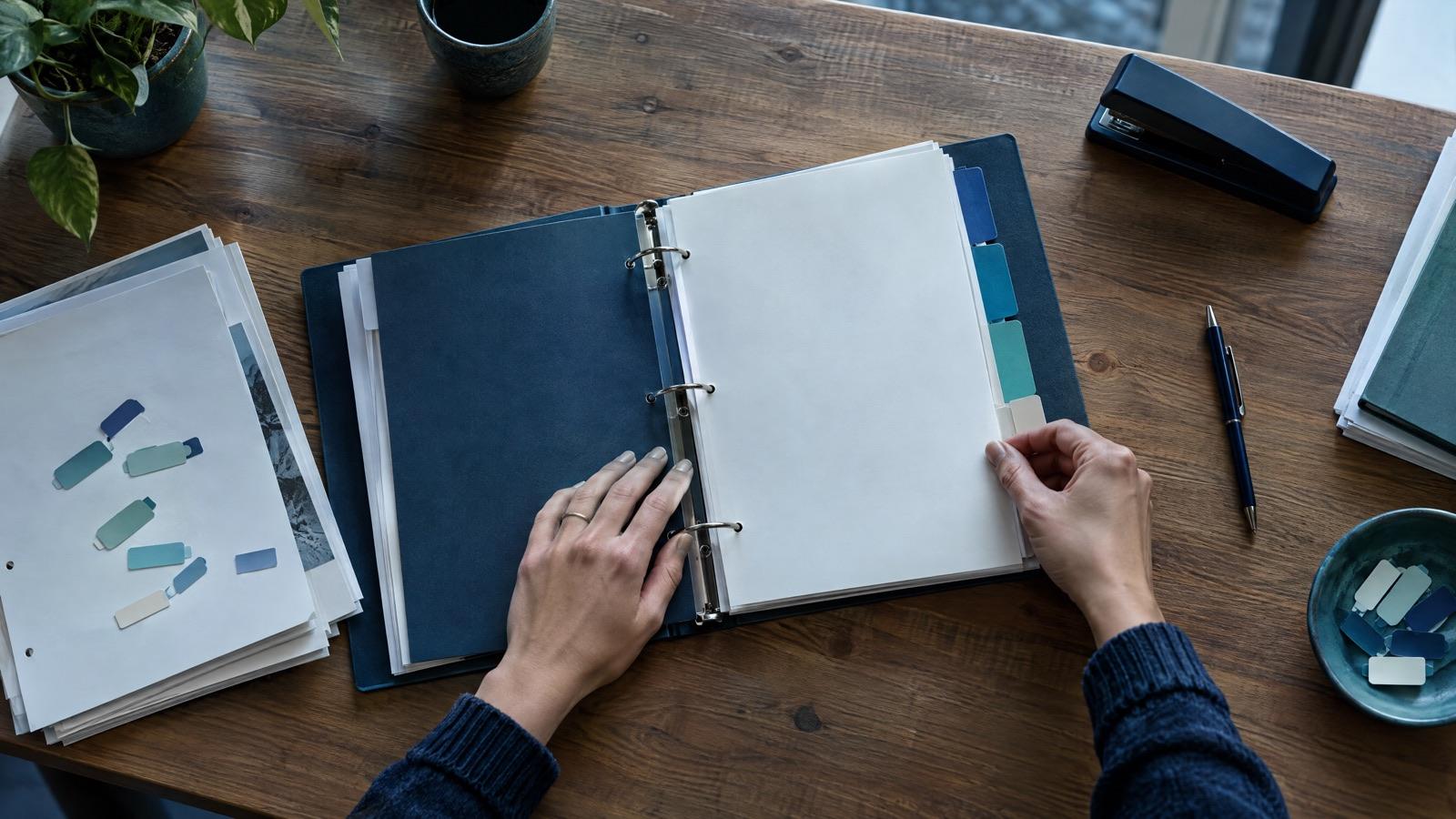
A binder with tab dividers is a common way to keep exhibits in order. A folder with a staple for each exhibit works too. Keep the same order in every set, so when you say "Exhibit 5" everyone can turn to it.
- A set for the judge. Some judges want it in advance, some want it at the hearing, some want it filed with the court. Follow the order.
- A set for the other side. Courts normally expect you to share what you will use. Rules often say how and by when.
- A set for you. This is the one you can write notes on.
- Originals stay with you, unless the court tells you otherwise. Bring them in case someone asks to see them.
- A few extra copies for a witness, who may be handed an exhibit to describe.
Digital exhibits
Photos, videos and emails often start as files. If the court takes electronic exhibits, it may have rules on file type, size and names. If it does not say, a PDF for documents and a common format for photos is a safe choice, and printing them is the safest.
- Name files to match the exhibit list, such as Exhibit 1 Lease.pdf.
- Keep the original file from your phone or email with its date. Do not edit it.
- Print emails and texts showing names, numbers and dates, and check the page is not cut off.
- Bring a copy on a storage device only if the court allows it. Never count on playing something on a court computer unless told so.
- For video hearings, see video court hearing tips.
Quick check
You have ten text messages about the same promise. How should you treat them?
Final check
Exhibit check
0 of 7 doneYour ticks stay on this device only.
How to introduce the exhibit in the room is in how to present evidence in court. For the whole plan see how to prepare for a court hearing.
Questions
Should I use numbers or letters for exhibits?
Check the court's rules or ask the clerk. Some courts give numbers to one side and letters to the other. If nothing says otherwise, numbers in order are a simple choice.
How many copies of an exhibit do I need?
Plan on one for the judge, one for the other side and one for yourself. Some courts want a different number, so check the rules for your court.
Do I file my exhibits with the court before the hearing?
It depends on the court, the judge and the type of hearing. Some want them filed ahead, others only at the hearing. Read your scheduling order or ask the clerk.
Can I use photos from my phone?
Yes, usually. Print them or follow the court's file rules, keep the original file, and be ready to say when and where you took them.
What if I forget an exhibit?
Tell the judge politely and ask if it can be handled, for example by filing it afterwards. The judge decides, and late exhibits may not be allowed.
General information, not legal advice. Rules differ by court and change over time. For your own case, ask your law firm.
Read next
 Hearings and trials
How to present evidence in court when you have no lawyer
The kinds of evidence, how to show them to the judge, how to share them with the other side, and the objections you may hear, in plain words.
6 min readRead Hearings and trials
How to prepare for a court hearing: a week-by-week plan
A calm plan for the weeks and days before your hearing: what to read, what to bring, what to say, and how to get there on time.
6 min readRead Hearings and trials
Video court hearing tips: how to get ready for a remote hearing
A tech check, a quiet space, a steady camera, how to share exhibits and what to do if your connection drops during a hearing by video.
5 min readRead