Clerk's office
Takes new cases in personE. Barrett Prettyman United States Courthouse (Clerk's Office)
333 Constitution Avenue, N.W., Room 1225Washington, DC 20001
The court's page for this officeStarting a case without a lawyer
This court takes new cases from people without a lawyer by email.
This court takes new cases from people without a lawyer by email.
The court's file rules:
E. Barrett Prettyman United States Courthouse (Clerk's Office)
333 Constitution Avenue, N.W., Room 1225Washington, DC 20001
The court's page for this officeDivisions and counties from 28 U.S.C. 88 and the court's own pages, checked 2026-11-13.
Paying the court yourself
Ask the court for a bill, then pay the $405 on pay.gov.
After the clerk receives your case-starting documents, email the Filing Fee Request Form to the intake address. The court then sends you a pay.gov invoice. You can pay it by credit card or ACH.
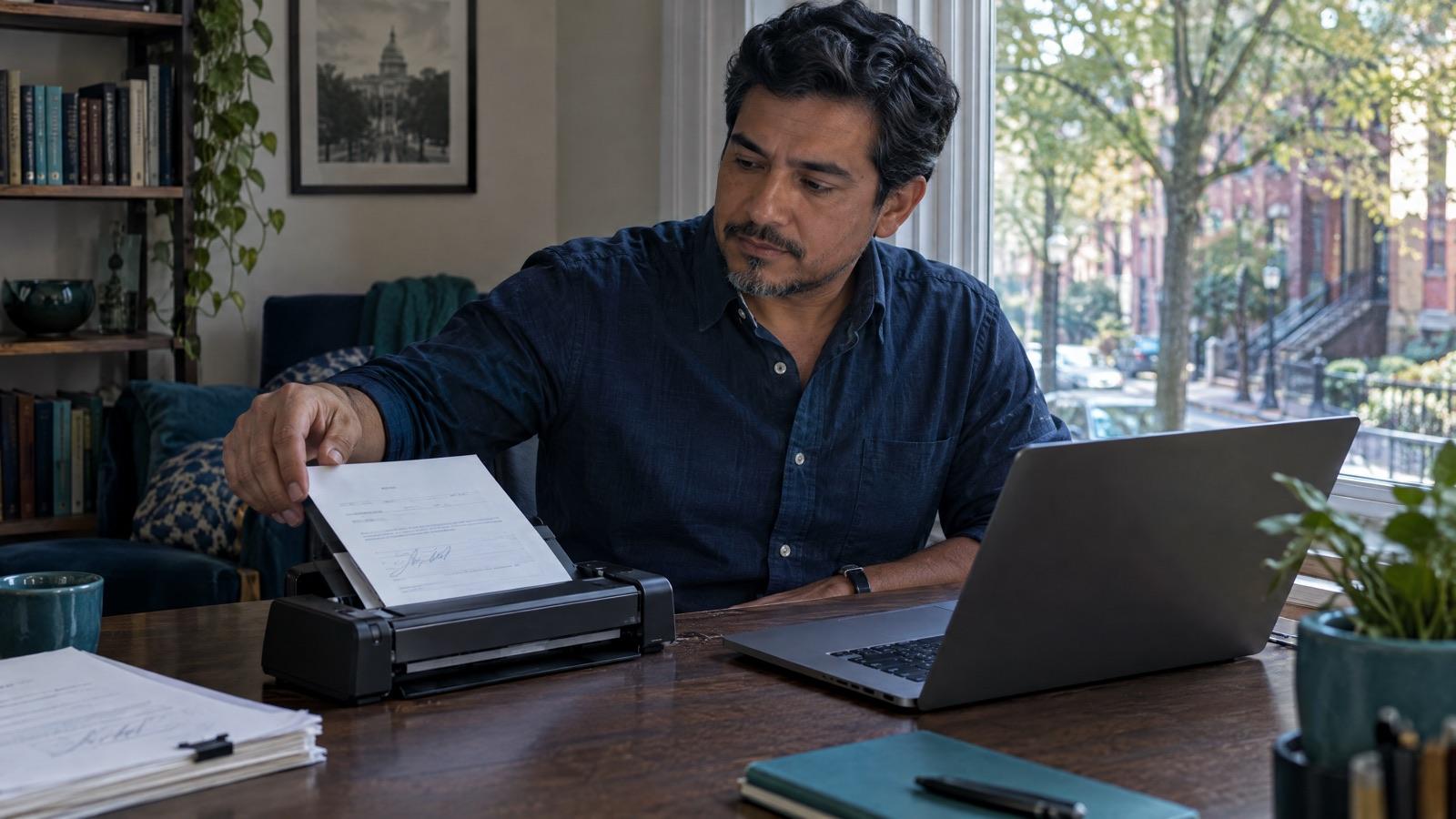
This court wants your signature in pen. Print the signature page, sign it, and send a scan or a clear photo of it.
“/s/ [Name] is not permitted”: pen-sign, then scan to PDF.
The court sends notices by mail unless the judge allows email. You ask for it in a written request (a motion) in your case.
Your ticks stay on this device only.
The court's own pages, read in November 2026. Courts change their rules: check the page before you send.
General information, not legal advice. Rules differ by court and change over time. For your own case, ask your law firm.
Short answers for the District of Columbia, from the court's own pages.
This court takes new cases from people without a lawyer by email. Use the court's email intake for people without a lawyer.
The fee for a new civil case is $405. It goes up to $411 on December 1, 2026. If you can't afford it, you can ask the court to waive it with a fee waiver form.
The court sends notices by mail unless the judge allows email. You ask for it in a written request (a motion) in your case.
Get the code from your law firm and sign up. You decide what to file, and nothing goes to the court without your OK.
FastFile is not a law firm and does not give legal advice. FastFile is a self-help platform for people who represent themselves in court. Using FastFile does not create an attorney-client relationship.